

Sharp. Smooth. Instant.Every frame of your Mac, crisp on your screen, with ProMotion smoothness at up to 120 times a second.1
Your Mac.
In hand.


Remote Gaze puts your whole Mac on your iPad or iPhone.
Built natively for Apple devices. Sharp, smooth and instant at up to 120 frames per second, at home or away.1
Sharp. Smooth. Instant.Every frame of your Mac, crisp on your screen, with ProMotion smoothness at up to 120 times a second.1
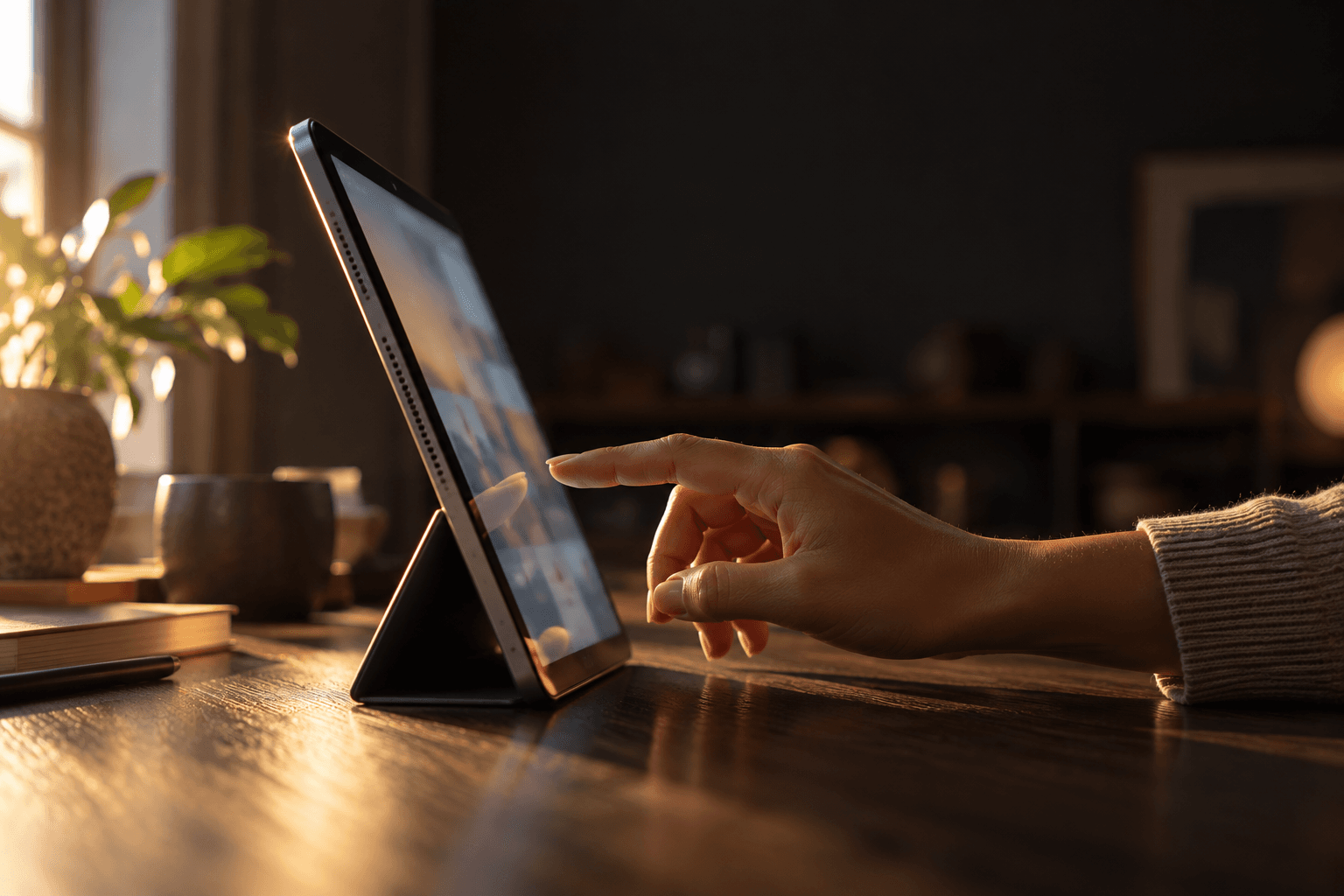
Direct Touch.Your Mac, now touch-friendly. Taps land where you mean, swipes scroll, a hold drags.

App mode.One Mac app, made to fit your iPad. Retina sharp.
Away from home.No account. No middleman. Just your Mac, wherever you are.2
Full power.Every app, every core, all of its memory. All of your Mac, in the palm of your hand.
File transfer.Drag a file onto your Mac’s screen. It lands right on the desktop.
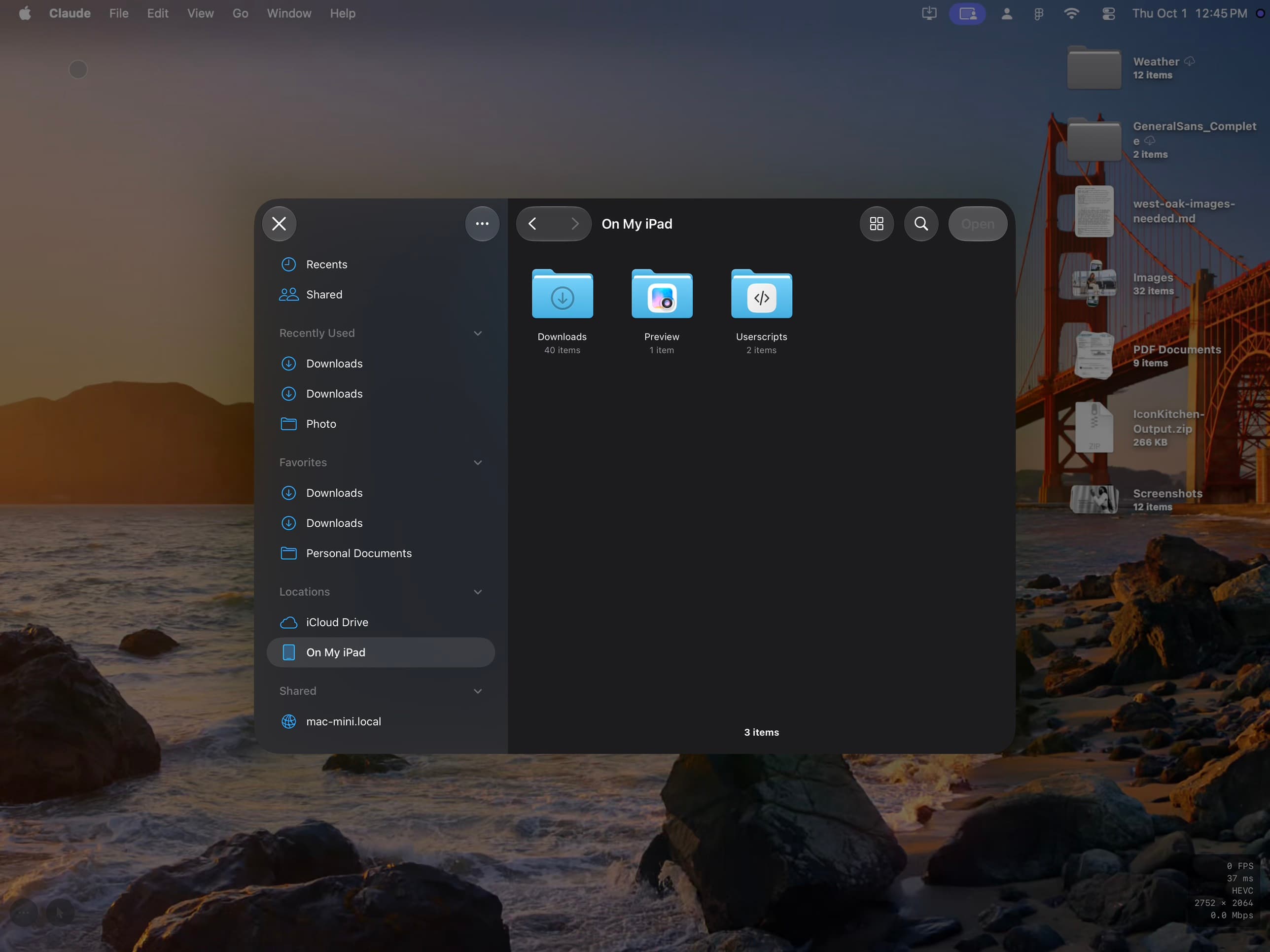
Your Mac, as sharp as the screen in your hands. Text stays crisp. Colors stay true. And motion stays fluid, at up to 120 frames per second. Choose Sharpest for the most detail, or Smoothest for the most motion. Touch, type and drag, and it all happens on your Mac, instantly. Nothing passes through anyone else’s server.
Up to
2752 × 2064
in App mode, pixel for pixel on a 13-inch iPad Pro
Set a Mac mini in a corner and forget it’s there. No display, no keyboard, no one else’s cloud. It stays quietly on, and your iPad or iPhone puts all of its power in your hands.
Your Mac mini’s best friend.
No display needed
Gaze Host gives your Mac mini a screen of its own, so it works with nothing plugged in.
No cloud, no account
Your iPad or iPhone connects straight to it. Nothing to sign in to, and no server in between.
All of its power
Everything you run on it runs at full speed, and you reach it from anywhere you are.




At home, it just connects. Your Mac appears on your network the moment you open Remote Gaze, with motion at up to 120 frames per second.1
At a café, your desk comes along. Open Remote Gaze on any Wi-Fi and your Mac is right there, as sharp as it is at home.2
At the airport, it’s still your Mac. Any Wi-Fi will do. Remote Gaze finds the way back to your Mac on its own, with no accounts and no servers in between.2
Miles from anywhere, it’s a second away. Over cellular, your Mac answered in under a second when we measured it. Nothing to set up on the road.3
Enter a six-digit code once. After that, your Macs simply appear at home. And away from home, Remote Gaze finds the way for you.
Pair
with Mac mini
Enter the code shown in Gaze Host on your Mac.
Your Mac holds your whole life. So Remote Gaze is built so that only you ever see it: no accounts, no servers in between, and protection that starts in your hands.
Cloudless.
It runs on your devices, not in someone else’s cloud. Your Mac and your iPad or iPhone talk straight to each other, with no account to sign in to and no server in between. No middleman.2
Encrypted end to end.
Everything you see, tap, type or send is encrypted between your Mac and your device, the way a FaceTime call is. It goes straight there, so no one in between can watch.
Your device holds the key.
Away from home, your iPad or iPhone proves it’s really yours with a key that lives in its Secure Enclave and can’t be copied out. Face ID confirms it’s you.5
You stay in charge.
See every visit from away, then disconnect or remove a device in a click. Away access even lapses by itself unless you reconnect at home.
Any iPad or iPhone running iPadOS or iOS 26 can connect. And each one gets a picture made for its own screen, all the way up to an unfolded iPhone Duo.


iPad Pro · MacBook Pro · iPhone Duo · iPad mini
Shown at their true relative sizes. Gaze Host runs on the Mac.
Gaze Host on your Mac. Remote Gaze on your iPad or iPhone. Pair them once, and they remember each other. Both are in beta.
Your whole Mac, sharp and smooth on iPad.
iPadOS 26 or later
Runs quietly on your Mac, ready whenever your devices are.
macOS 26 or later
The same app, with room to spread out when iPhone Duo unfolds.
iOS 26 or later